561-532-2139

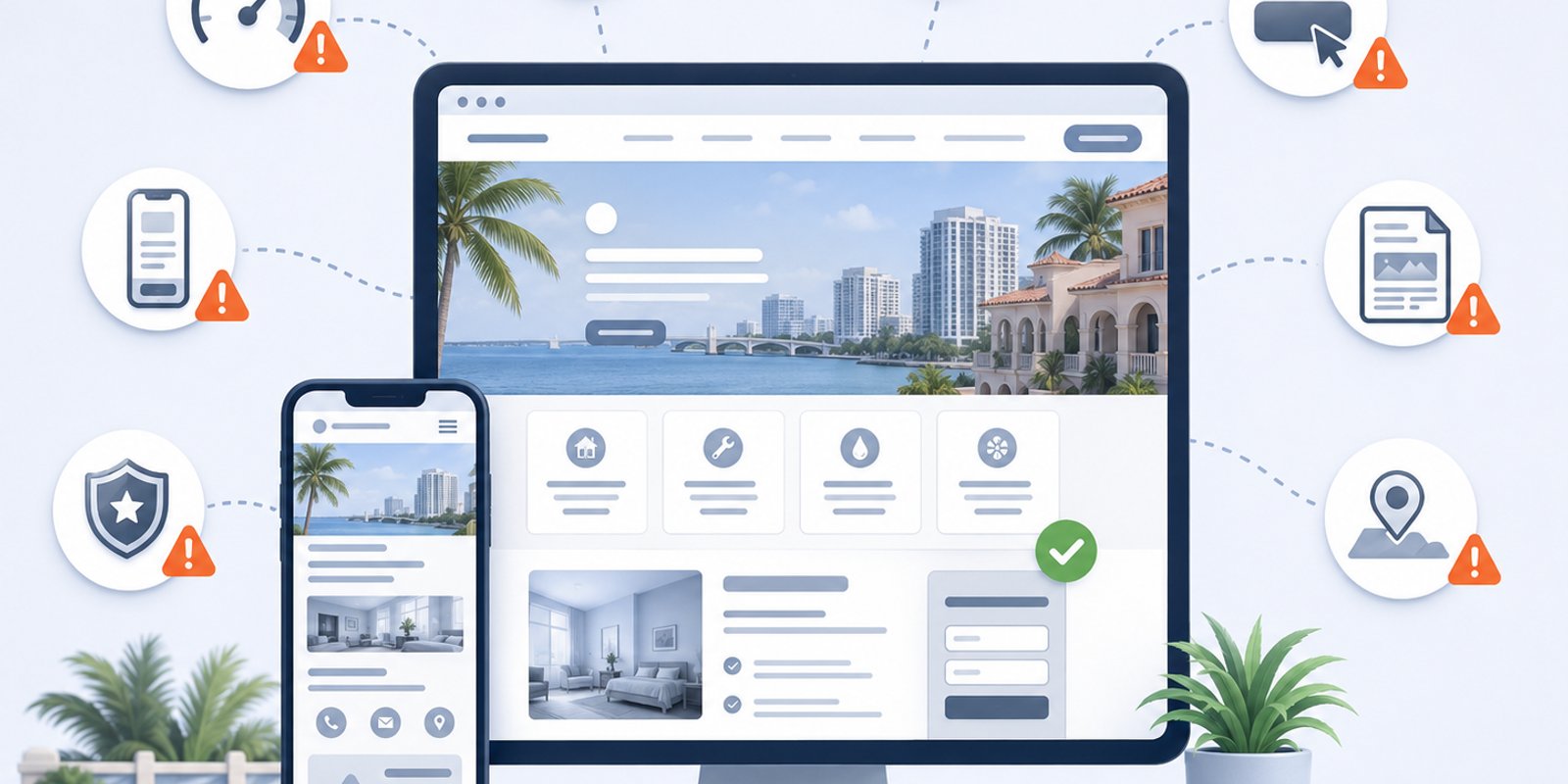

A website can look polished at first glance and still fall short of what the business needs. Many local companies have sites that function, but make it difficult for visitors to understand the services, find important information, or take the next step. Slow loading times, unclear messaging, and weak calls to action can all cause potential customers to leave. For businesses in West Palm Beach, thoughtful web design can help create a clearer experience that turns more visitors into genuine inquiries.
In South Florida, customers often judge a business quickly from a phone screen. They may compare several companies in one short search session, especially when they need a service, quote, consultation, or appointment. A business can get a quiet sense of practical website planning through Wellington Web Designs, especially when the goal is a website that feels clear, professional, and built around customer action.
Mistake 1: Treating the Website Like a Digital Brochure
A brochure-style website may list services, include a few photos, and provide contact information, but that is not always enough. A business website should guide visitors toward a decision. It should explain what the company does, why it is credible, who it helps, and what someone should do next.
When a website only “presents information,” visitors may still feel unsure. They may not know which service applies to them. They may not understand what makes the business different. They may not see a clear reason to call.
A stronger website should be built with purpose. Each section should help move the visitor closer to action. That does not mean being aggressive or overly sales-focused. It means removing confusion and making the customer journey easier.
Mistake 2: Ignoring Mobile Users
One of the most damaging website mistakes is designing mainly for desktop screens while treating mobile as an afterthought. Many customers visit local business websites from phones. If the mobile version is hard to use, the business may lose leads before the first conversation.
Poor mobile experience can include:
- Text that is too small
- Buttons that are hard to tap
- Menus that feel confusing
- Forms that are difficult to complete
- Images that load too slowly
- Content that feels cramped
- Phone numbers that are not easy to click
For businesses in West Palm Beach, Wellington, Royal Palm Beach, and nearby Palm Beach County areas, mobile usability matters because local searches often happen quickly. A visitor may be comparing businesses while on the go. If one website feels easier to use, that business may have an advantage.
Mistake 3: Making the Main Offer Unclear
Visitors should understand the main offer within seconds. If the website uses vague headlines, generic descriptions, or scattered messaging, people may leave before learning why the business is a good fit.
A clear website should answer:
- What service does the business provide?
- Who is the service for?
- What problem does it solve?
- What makes the business trustworthy?
- What should the visitor do next?
Many businesses assume customers already understand their value. In reality, visitors often need quick clarity. They want to know whether they are in the right place. If the website does not confirm that, they may continue searching.
Mistake 4: Using a Template That Does Not Fit the Business
Template websites can be useful for getting online quickly, but they can also limit how well a site supports a specific business. A template may look polished, but it may not match the company’s services, customer questions, local market, or conversion goals.
Businesses comparing design options can review how template and custom website design affect structure, branding, flexibility, and long-term usefulness. The issue is not that every template is bad. The issue is that a template may force the business into a layout that was not built for its actual customers.
A local service business usually needs more than a few attractive sections. It needs service pages, trust signals, clear contact paths, mobile-friendly layouts, and content that supports local visibility.
Mistake 5: Hiding the Call to Action
A website can explain services well and still lose leads if the next step is not obvious. Visitors should not have to search for the contact page, scroll endlessly to find a phone number, or guess whether they should request a consultation.
Strong calls to action should appear naturally throughout the website. They can invite visitors to schedule a consultation, request a quote, call the business, or review a service. The wording should be specific enough to feel useful, not generic.
A call to action should also match the visitor’s stage of interest. Some visitors are ready to contact the business immediately. Others need more information first. A good website gives both types of visitors a clear path.
Mistake 6: Publishing Thin Service Pages
A service page with only a short paragraph and a contact button may not be enough to support visitors or search visibility. Thin content can leave customers with unanswered questions. It can also make it harder for search engines to understand the page’s relevance.
A strong service page should explain the service clearly, describe the problems it solves, answer common questions, and guide visitors toward the next step. It should also be organized with headings, readable sections, and supporting details.
For businesses in the Florida business market, service pages are often important because customers search with specific needs. A general website may not speak directly enough to those searches. More complete service pages can help connect the business with better-fit visitors.
Mistake 7: Forgetting About Website Speed
Slow websites create frustration. A visitor may not wait for a page to load, especially if they are comparing multiple businesses. Even a few seconds can affect whether someone stays or leaves.
Website speed can be affected by oversized images, too many plugins, bloated templates, unnecessary animations, poor hosting, or cluttered code. A slow site can make the business feel less professional, even if the company itself delivers excellent service.
Speed should be part of the design process, not something considered only after launch. A faster site creates a smoother experience and supports stronger engagement.
Mistake 8: Making Navigation Too Complicated
Navigation should help visitors move through the website easily. If the menu is crowded, unclear, or poorly organized, users may struggle to find the information they need.
Good navigation is simple and intentional. It should include the most important pages without overwhelming the visitor. Service pages should be easy to find. Contact options should be visible. The user should always feel oriented.
Complicated navigation can be especially harmful on mobile. If visitors have to tap through too many menus or guess where to go, they may leave before reaching the right page.
Mistake 9: Not Building Trust Before Asking for Contact
Before someone submits a form or calls a business, they need enough confidence to take that step. Trust can come from clear writing, professional design, testimonials, examples of work, service explanations, and signs that the business understands the customer’s problem.
A website that jumps straight to “contact us” without building trust may feel incomplete. Visitors may still wonder whether the company is experienced, reliable, local, or the right fit.
Businesses can also build credibility by including team information, company background, and a more personal sense of how they work. Even a discreet page like the team’s background.
can help visitors feel more comfortable before starting a conversation.
Mistake 10: Ignoring Local Relevance
A website should reflect the market the business serves. If a local business website feels generic, it may miss opportunities to connect with nearby customers. Local relevance can appear through service-area mentions, customer-focused examples, location context, and content that speaks to the needs of nearby businesses.
This does not mean stuffing the page with city names. It means making the content feel relevant to the people the business wants to reach.
For companies serving West Palm Beach, Palm Beach County, and surrounding South Florida communities, the website should show that the business understands the local market and the way customers make decisions.
Mistake 11: Launching the Website and Never Improving It
A website should not be treated as finished forever after launch. Businesses change. Services change. Customer expectations change. Search behavior changes. A website that worked several years ago may now feel outdated or unclear.
Regular improvements can help keep the site useful. This may include updating service pages, improving mobile layouts, refreshing calls to action, adding helpful content, reviewing page speed, and adjusting messaging based on customer questions.
A website does not always need a full rebuild. Sometimes, focused improvements can make the site more effective. The key is paying attention to whether the website still supports the business.
How to Avoid These Website Mistakes
Avoiding website mistakes starts with looking at the site from the customer’s perspective. Business owners should ask whether the website is easy to understand, easy to use, and easy to act on.
A useful review should consider:
- Does the website load quickly?
- Is the mobile experience smooth?
- Can visitors understand the main offer quickly?
- Are services clearly explained?
- Are calls to action visible and specific?
- Does the website build trust?
- Is the navigation simple?
- Does the site reflect the local market?
- Are contact options easy to find?
- Does the website support lead generation?
If the answer is no to several of these questions, the website may be creating unnecessary friction.
Free Consultation for Palm Beach County Businesses
For businesses in West Palm Beach, Wellington, Royal Palm Beach, and surrounding South Florida communities, a stronger website can help reduce confusion, improve trust, and make it easier for local customers to take action.
If your website feels outdated, slow, unclear, or difficult to use on mobile, schedule a Free Consultation for your local business website and review what improvements may help. Many companies notice that fixing the right website mistakes can make their overall marketing feel easier to support.
FAQ
What website mistakes hurt West Palm Beach businesses the most?
The biggest website mistakes include poor mobile experience, unclear service messaging, slow loading speed, weak calls to action, thin service pages, and confusing navigation. These issues can make visitors leave before contacting the business.
How do I know if my website is losing leads?
A website may be losing leads if visitors are not calling, forms are rarely submitted, mobile users leave quickly, or customers say they had trouble finding information. A review of design, content, speed, and conversion paths can help identify the problem.
Why is mobile design important for local businesses?
Mobile design is important because many local customers search from their phones. If the website is hard to read, slow to load, or difficult to navigate on mobile, potential customers may choose another business.
Should a business fix its current website or build a new one?
The answer depends on the condition of the site. Some businesses only need focused improvements, while others need a full redesign if the structure, mobile experience, content, or performance is too limited. For companies evaluating their next step, a website review can make the best direction clearer.