561-532-2139

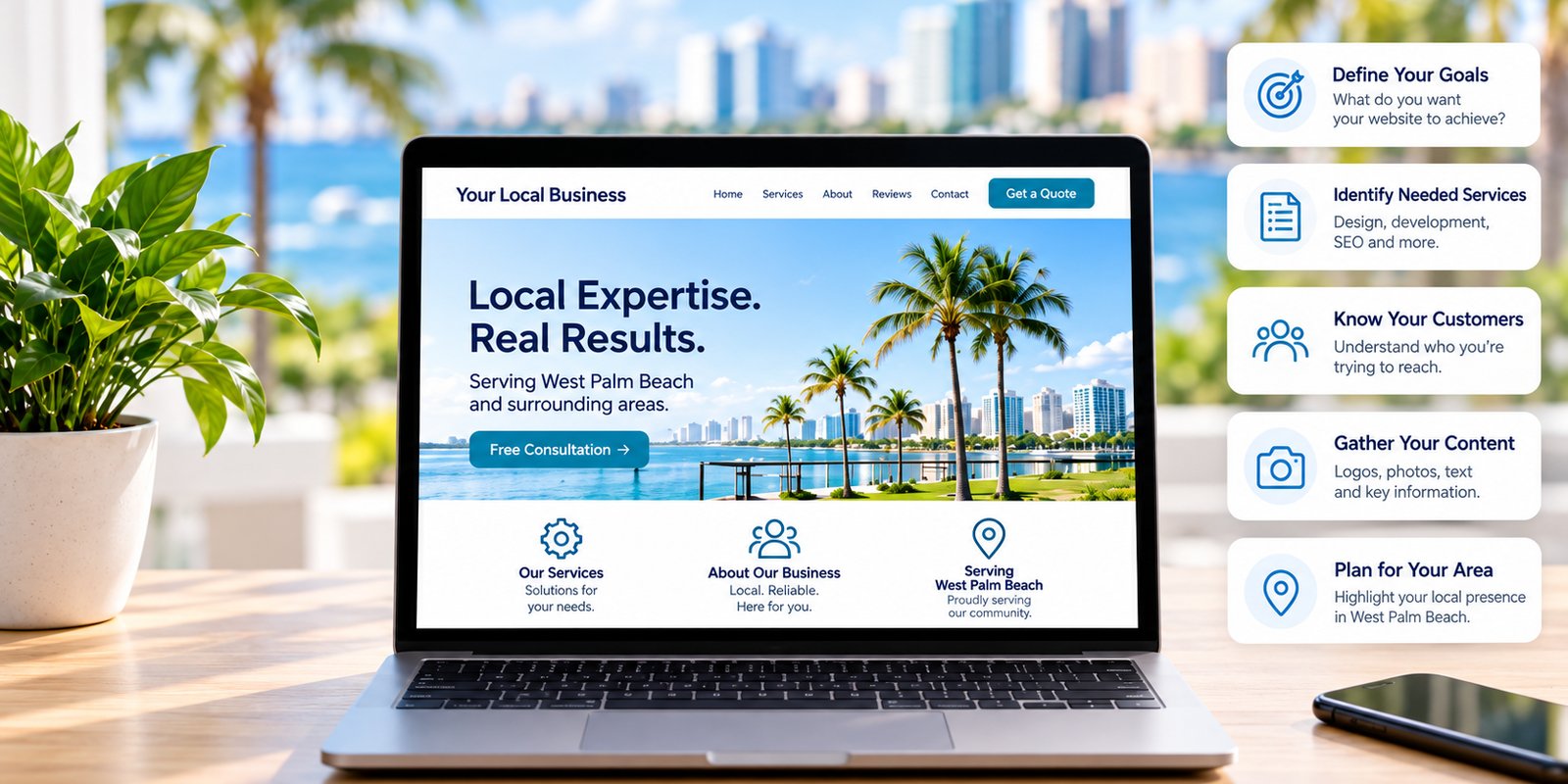

Starting a website project does not mean a business owner needs to arrive with every page written, every image selected, and every design decision already made.
That is part of what a professional web design process can help organize.
However, a project usually becomes easier when the business can provide accurate information about what it does, who it serves, which services matter most, and what the website needs to accomplish.
For companies considering small business web design in West Palm Beach, preparing a few core materials can make early conversations more productive and help the website reflect the business accurately.
The goal is not to design the site before hiring a designer. It is to provide a useful foundation for the project.
1. Define What the Website Needs to Accomplish
Before thinking about colors, layouts, or visual effects, identify what the website should help the business do.
Different companies need different outcomes.
A contractor may want more estimate requests. A professional service firm may want consultation inquiries. A healthcare provider may need to explain services and guide visitors toward appointments. A local retailer may want customers to visit a location, call, or complete another specific action.
A website can support several goals, but the most important goal should still be clear.
Useful questions include:
- What should a new visitor understand quickly?
- Which services matter most to the business?
- What action should an interested customer take?
- Which types of customers should the website attract?
- Are there specific services the company wants to grow?
- Are there inquiries that are no longer a good fit?
These answers can influence which pages receive the most attention and how visitors move through the site.
If one service represents an important growth area, it may deserve more prominence than a secondary offering. If customers regularly misunderstand a service, the site may need to explain it more clearly.
A business does not need to arrive with a detailed digital strategy. It does need a practical understanding of what the website should help accomplish.
That gives the project a stronger starting point than simply asking for a site that looks modern.
2. Organize Your Services, Customers, and Service Area
One of the most useful things a business can prepare is a clear list of its current services.
Websites often become confusing when offerings have been added gradually without being organized from the customer's point of view.
Start with the primary services customers actually purchase.
For each major service, note:
- What the service is
- Who usually needs it
- What problem or need it addresses
- Where it is available
- Whether there are important variations
- What customers commonly ask about it
These notes do not need to be polished website copy.
Their purpose is to help the web design and content process determine which services deserve dedicated pages and which can reasonably be grouped together.
The same applies to customer groups.
A business may serve homeowners, commercial clients, medical offices, contractors, professional firms, or several different audiences. If those customers have different needs, the website may need to reflect those differences.
Location information should also be accurate.
A West Palm Beach business should clarify whether it serves only West Palm Beach, additional communities in Palm Beach County, or a broader area.
The website should not imply service coverage the company does not actually provide.
Organizing these details before design begins makes the Small Business Web Design West Palm Beach process more focused because page decisions can be based on real services and real customer needs.
3. Gather Current Business and Brand Information
Useful website materials are often scattered across several places.
A business may have an updated logo in one folder, team information in a brochure, current service descriptions in a sales document, and customer questions buried in old emails.
Before the project begins, gather the most accurate versions of the information the website may need.
That can include:
- Logo files
- Brand colors or guidelines
- Business description
- Phone numbers
- Email addresses
- Physical address, when applicable
- Operating hours
- Team information
- Service-area details
- Social media profiles
- Brochures or sales materials
- Frequently asked questions
Do not assume the existing website contains the most current information.
An older site may include outdated contact details, former staff members, services that have changed, or locations the company no longer serves.
The project is a good opportunity to verify those details before they are carried into the new site.
Original logo files are also useful.
A small image copied from an existing website may not work well in a new design. If high-quality or vector logo files exist, providing them can give the designer more flexibility.
The same principle applies to business photography.
Original photos of the team, location, completed work, or services can often provide more relevant context than generic stock images.
Businesses do not need every asset finished before the first meeting. They should simply identify what already exists and what may still need attention.
4. Write Down the Questions Customers Ask Most Often
Customer questions can reveal exactly what the website needs to explain.
Sales calls, consultation requests, support emails, and in-person conversations often show where prospective customers need more information.
Before beginning a website project, write down the questions that appear repeatedly.
Examples may include:
- Do you serve my area?
- Do you offer this particular service?
- What happens after I contact you?
- Who is this service for?
- How does the process work?
- What information do you need from me?
- How should I prepare?
- Do you work with businesses like mine?
These questions can shape service pages, FAQs, calls to action, and future supporting content.
They may also reveal weaknesses in an existing website.
If customers repeatedly ask whether the company offers a service that is already listed online, the information may not be prominent or clear enough.
If people regularly ask what happens after they submit a form, the contact process may need better explanation.
This information helps keep the website focused on actual customer needs instead of filling pages with details visitors rarely use.
A business owner knows a great deal about the company, but not every internal detail belongs on the website.
Customer questions can help determine which information deserves priority.
5. Review Existing Content and Photos Before Reusing Them
A new website does not automatically require starting from zero.
Some existing material may still be accurate, useful, and worth keeping.
Review the current website, brochures, presentations, social channels, and other materials before deciding what needs to be recreated.
Content worth reviewing may include:
- Service descriptions
- Testimonials
- Team biographies
- Project photographs
- Case examples
- Company history
- FAQs
- Graphics or diagrams
The important question is whether each item still represents the business accurately.
Do not reuse material simply because it already exists.
An old service description may no longer reflect how the company works. Team information may be outdated. Photos may show old branding or equipment. Calls to action may point toward a process the business no longer uses.
Unsupported claims also deserve careful review.
Old pricing statements, guarantees, partnership claims, performance figures, certifications, or other specific assertions should not be transferred to a new website unless they remain current and verifiable.
This review can also reveal what is missing.
A business may have strong photography but weak service descriptions. Another may have detailed copy but no current team images.
Identifying those gaps early makes planning easier.
Wellington Web Designs also emphasizes websites that work across device sizes. Businesses reviewing their visual assets can learn more about responsive web design when considering how images and content will appear on phones, tablets, and desktop screens.
6. Prepare to Make Business Decisions, Not Every Design Decision
Business owners should be involved in the website process because they understand their company, services, and customers.
They do not need to determine every layout, visual treatment, or technical decision themselves.
Preparation is more useful when it focuses on business priorities.
It can help to identify:
- Websites you find easy to use
- Brand styles that feel appropriate
- Features the business genuinely needs
- Problems with the current website
- Competitors customers may compare
- Important deadlines
- The person responsible for final approval
Examples can help communicate preferences, but they should not become instructions to copy another company's site.
A business may like the navigation on one website, the simplicity of another, or the way a third company explains its services. Those observations can help establish direction without determining the final design.
It is also useful to decide who will approve content and design decisions.
When several people provide conflicting feedback late in a project, progress can become more difficult. Clear approval responsibility helps keep reviews organized.
Technical decisions can generally remain with the professionals managing the project unless the business has a specific operational requirement.
The business owner's role is to provide accurate company information, communicate customer needs, and confirm that the finished website represents the business correctly.
A Better Website Project Starts With Better Information
A small business does not need a finished website plan before contacting a designer.
It needs accurate information and clear priorities.
Business goals, organized services, customer questions, current contact information, brand materials, useful photos, and realistic project expectations provide a stronger foundation than trying to design the site in advance.
Preparation can also make project reviews more productive.
Instead of focusing only on individual design preferences, the business can evaluate whether the website clearly presents its services, customer groups, location, credibility, and desired next steps.
For West Palm Beach businesses, this becomes especially useful when the website needs to support several services, local search visibility, or future content marketing.
The site should work for the business today while leaving room for useful expansion later.
Businesses planning a new website can learn more about Small Business Web Design West Palm Beach and how website structure, mobile usability, service messaging, and lead generation work together.
Companies ready to discuss a project can also contact Wellington Web Designs to request a Free Consultation.
Frequently Asked Questions
Do I need to write all of my website content before hiring a web designer?
No. Businesses do not need fully written website copy before beginning a project. It is more useful to provide accurate information about services, customers, locations, goals, and frequently asked questions so the content can be organized appropriately.
What business information should I prepare for a website project?
Useful information includes current contact details, service descriptions, locations served, operating hours, team information, brand materials, customer questions, and any existing content or photography the business wants reviewed.
Should I keep content from my existing website?
Some existing content may still be useful, but it should be reviewed for accuracy and relevance. Outdated services, staff information, claims, pricing, guarantees, or other details should not automatically transfer to a new site.
Do I need professional photos before starting web design?
Not necessarily. Existing high-quality photos may be usable, while other images can be planned during the project. Businesses should identify what photography they already have and where updated or additional images may be helpful.
Should I choose the website layout before meeting with a designer?
No. Business owners can share examples and preferences, but they do not need to create the layout themselves. Clear business goals, customer needs, service priorities, and brand information give the designer a more useful foundation for planning the site.