561-532-2139

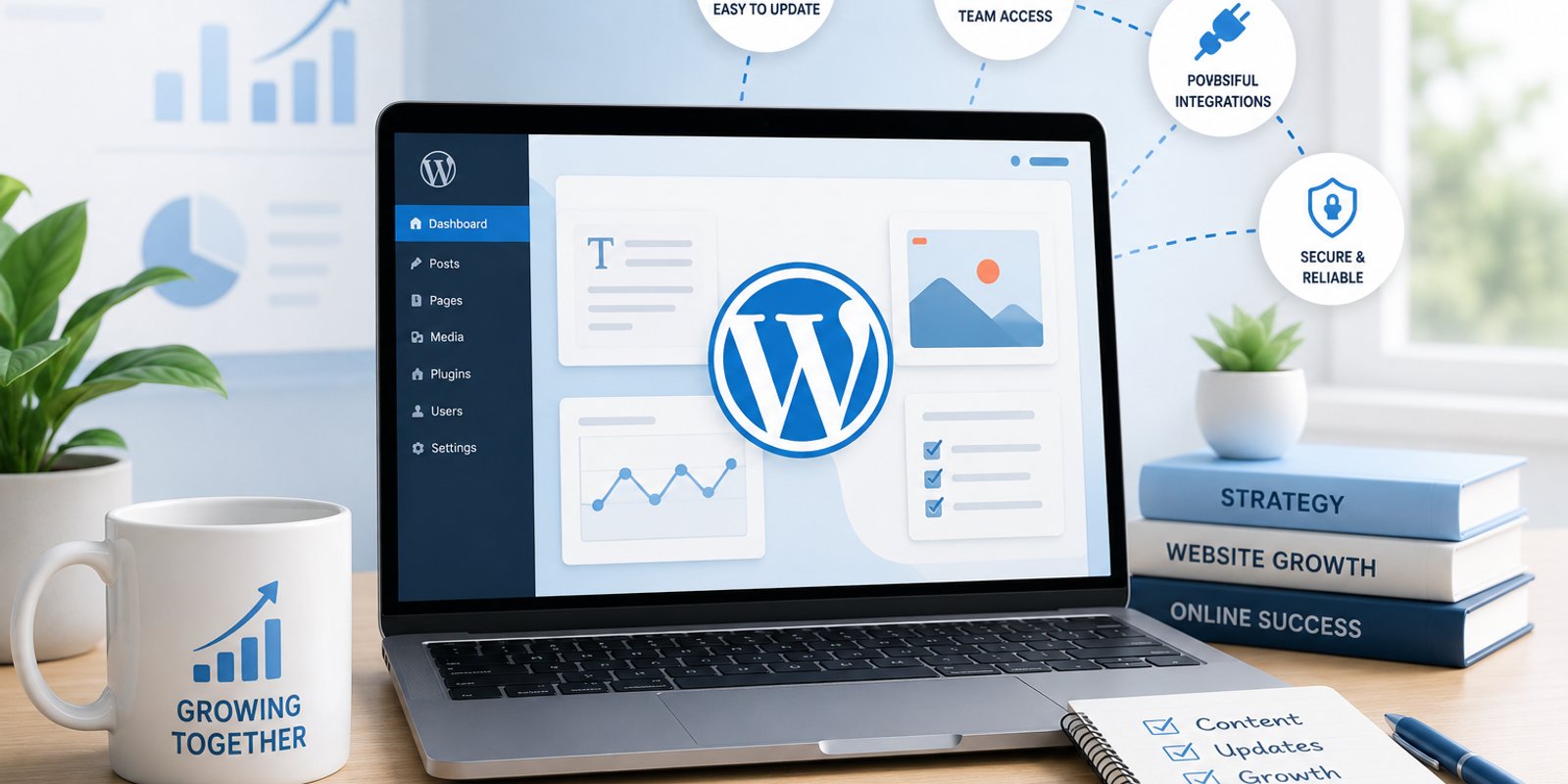

Choosing a website platform is not only a technical decision. For a growing business, it affects how easily the team can update content, add services, publish useful information, connect business tools, and keep the site organized as the company changes. A platform that works well for a five-page brochure site may feel restrictive once the business adds locations, staff, campaigns, articles, forms, or new service lines.
That is why businesses evaluating web design should start with how the website will be managed after launch. WordPress for small business websites can be a practical option when the company expects frequent content changes and wants a flexible content management system. It can also introduce responsibilities around updates, security, backups, and plugin management. The better question is not whether WordPress is popular. It is whether the platform fits the way the business actually works.
What WordPress Changes for a Growing Business
WordPress is a content management system, which means authorized users can manage pages, posts, media, menus, and other site content through an administrative dashboard. That can be useful for a company that wants routine updates to happen without rebuilding the website every time something changes.
A contractor may need to add new services or project examples. A professional service firm may publish educational articles or update staff profiles. A medical practice may add provider information, office details, or patient resources. A retailer may need seasonal content, new product information, or announcements.
In each case, the value is not simply that WordPress is editable. The value comes from having a structured way to manage recurring website changes.
A growing business should ask whether those changes are likely to happen often enough to justify a CMS. If the website is expected to remain small and mostly unchanged, a simpler setup may be sufficient. If the site is expected to become an active marketing resource, the ability to add and organize content can become more important over time.
Publishing Needs Should Drive the Platform Decision
Businesses often choose a website platform based on what they need today, then discover later that their content requirements have expanded. A company may start with basic service pages and eventually need articles, location pages, case studies, landing pages, FAQs, team profiles, and campaign content.
WordPress can support that kind of publishing because the content lives inside one management system. Staff can create and edit information without treating each routine change as a separate development project.
That flexibility is especially relevant for businesses using content as part of their search visibility and customer education strategy. Publishing useful pages consistently is easier when the workflow is clear and the team knows where information belongs.
The platform does not create that strategy on its own. A poorly planned WordPress site can still become cluttered with overlapping pages, outdated information, and inconsistent navigation. The business still needs editorial standards, clear page ownership, and a logical content hierarchy.
Before selecting WordPress, list the types of content the company expects to publish during the next one to two years. If the list is substantial and ongoing, a CMS may provide practical value. If the list is short and stable, the additional flexibility may not be necessary.
Team Access and Integrations Matter as the Website Expands
Website management often becomes a shared responsibility as a business grows. An owner may need full access, while a marketing employee needs to edit pages, a writer needs to prepare articles, and an outside specialist needs access to specific technical areas. WordPress supports different user roles, which can help separate responsibilities.
That does not eliminate the need for internal controls. Businesses should still decide who can publish content, install software, change settings, or approve updates. Too many unrestricted accounts can create confusion and unnecessary risk.
Integrations also influence platform choice. A growing website may need contact forms, analytics, scheduling, email marketing tools, ecommerce functions, customer relationship management connections, or other systems. WordPress has a broad plugin and integration ecosystem that can support many of these needs.
More plugins do not automatically create a better website. Every added component can introduce another maintenance, compatibility, security, or performance consideration. The better approach is to define the business requirement first, then choose the most appropriate tool to support it.
For companies comparing different ways to build and manage a site, Wellington Web Designs also explains template vs. custom design. Platform choice and design approach are related, but they are not the same decision.
Scalability Depends on Structure, Not Just Software
WordPress can make it easier to add content, but adding content is not the same as scaling a website well. A business can still create a confusing site if new pages are added without a clear structure.
This becomes more important when a company expands into new services, locations, customer groups, or marketing campaigns. A South Florida business that starts serving a wider area may eventually need more detailed service information, local content, project examples, and educational resources. If those additions are planned within a clear hierarchy, the website can remain easier for visitors and staff to navigate.
If they are added one at a time without a broader plan, the site can become fragmented regardless of the CMS.
That is why the website architecture should be considered before the content library grows. Navigation, page hierarchy, naming conventions, internal links, and content categories should support future expansion instead of being rebuilt every time the business adds something new.
WordPress can provide the publishing framework, but it does not decide which pages deserve top-level navigation, how service information should be grouped, or how visitors should move from general information to a specific next step. Those decisions still require website planning.
Maintenance Is Part of the Ownership Model
WordPress can give business teams more control over routine content updates, but that flexibility comes with technical responsibilities. The WordPress core, themes, plugins, hosting environment, backups, security settings, and integrations may all need ongoing attention.
That means the platform decision should include questions such as:
- Who will apply and test software updates?
- How will backups be handled?
- Who will monitor forms and other business-critical features?
- What happens if a plugin becomes unsupported or conflicts with another component?
- Who will address security or performance issues when they appear?
These are normal ownership questions, not reasons to avoid WordPress. They simply help a company understand the operating model before choosing the platform.
Some businesses prefer a managed arrangement where an outside provider handles technical maintenance while staff focus on content. Others have internal resources that can manage the system. A company with very limited update needs may decide that a lower-maintenance architecture is a better fit.
The right choice depends on the business's available time, technical support, publishing needs, and expectations for future change.
When WordPress Is a Strong Fit—and When It May Not Be
WordPress is often a strong candidate when a business expects regular content updates, plans to expand its page library, needs multiple user roles, or wants flexibility to connect marketing and operational tools. It can also make sense when internal staff need to manage routine website content without relying on a developer for every small edit.
It may be less compelling when the website will remain very small, content rarely changes, no internal team needs editing access, or the company prefers a tightly controlled architecture with fewer software dependencies.
A practical evaluation can start with five questions:
- How often will meaningful website content change?
- Who needs access, and what should each person be able to do?
- Which integrations are genuinely required?
- How much new content is likely to be added over the next two years?
- Who will own updates, backups, security, and technical maintenance?
The answers provide a better basis for choosing a platform than popularity or a long feature list.
For businesses in Wellington, West Palm Beach, and across Palm Beach County, the goal should be a website foundation that remains manageable as the company changes. Wellington Web Designs works with businesses evaluating website design, development, and digital marketing needs, and the right platform should support those needs rather than complicate them.
Talk Through the Website Requirements Before Choosing a Platform
For companies evaluating their next step, the best platform is usually the one that fits the way the business will actually publish, manage, and maintain its website. WordPress can be a strong option when flexibility and ongoing content management matter, but it should be selected because it matches the business requirements, not because it is the default choice.
Businesses in Wellington, West Palm Beach, and the surrounding South Florida market can book a consultation to discuss the structure, management needs, and long-term goals that should shape the build.
Frequently Asked Questions
Is WordPress a good choice for every small business?
No. WordPress can be a strong fit for businesses that need regular content updates, multiple user roles, integrations, or room for a larger content library. A smaller company with a simple, rarely changing website may not need the same level of content-management flexibility.
Can employees update a WordPress website without being developers?
Yes. Authorized users can manage many routine content tasks through the WordPress administrative area. The amount of access should still be controlled, and technical work such as software updates, troubleshooting, custom development, or major configuration changes may require experienced support.
Does choosing WordPress mean using a pre-made template?
No. WordPress is a content management system, not a specific visual design. It can be used with different themes and custom design approaches. The design method should be chosen around the business's brand, audience, content structure, and functional requirements.
Is WordPress suitable for growing businesses in Palm Beach County?
It can be. A business in Wellington, West Palm Beach, or another Palm Beach County market may find WordPress useful when the website needs regular publishing, additional service or location content, multiple editors, or new integrations. The platform should still be evaluated against the company's maintenance resources and long-term website plan.